

How to Make the Video Look Like ASCII Art
Created on 4 August 2024
For this effect, you don't need any audio editing software to do an audio effect since this is a video-only effect. All you need is a latest version of Avidemux installed on your computer.
Step 1: Getting Started
Launch Avidemux up on your screen, and as always, you are required to set a video output, the audio output, and the format output before opening your desired video. Refer back to my previous tutorial to comprehend what the configuration should look like.
Step 2: Applying the Video Effect
When you get to the video filter manager dialog, got to the "Artistic" category and you should see there's an effect called "Ascii View", where you can turn your clip into a mosaic full of characters including, letters, numbers, and symbols. If you cannnot see the text clearly when the filter is applied to your video, I suggest you go to "Transform" category, and use "swsResizer" to rescale the video to the highest resolution possible to get text(s) possibly readable.
If your edit looks good, you should start exporting it into your files. Just incase you're wondering, some viewers might think that the certain you're watching is sort of an ASCII art!
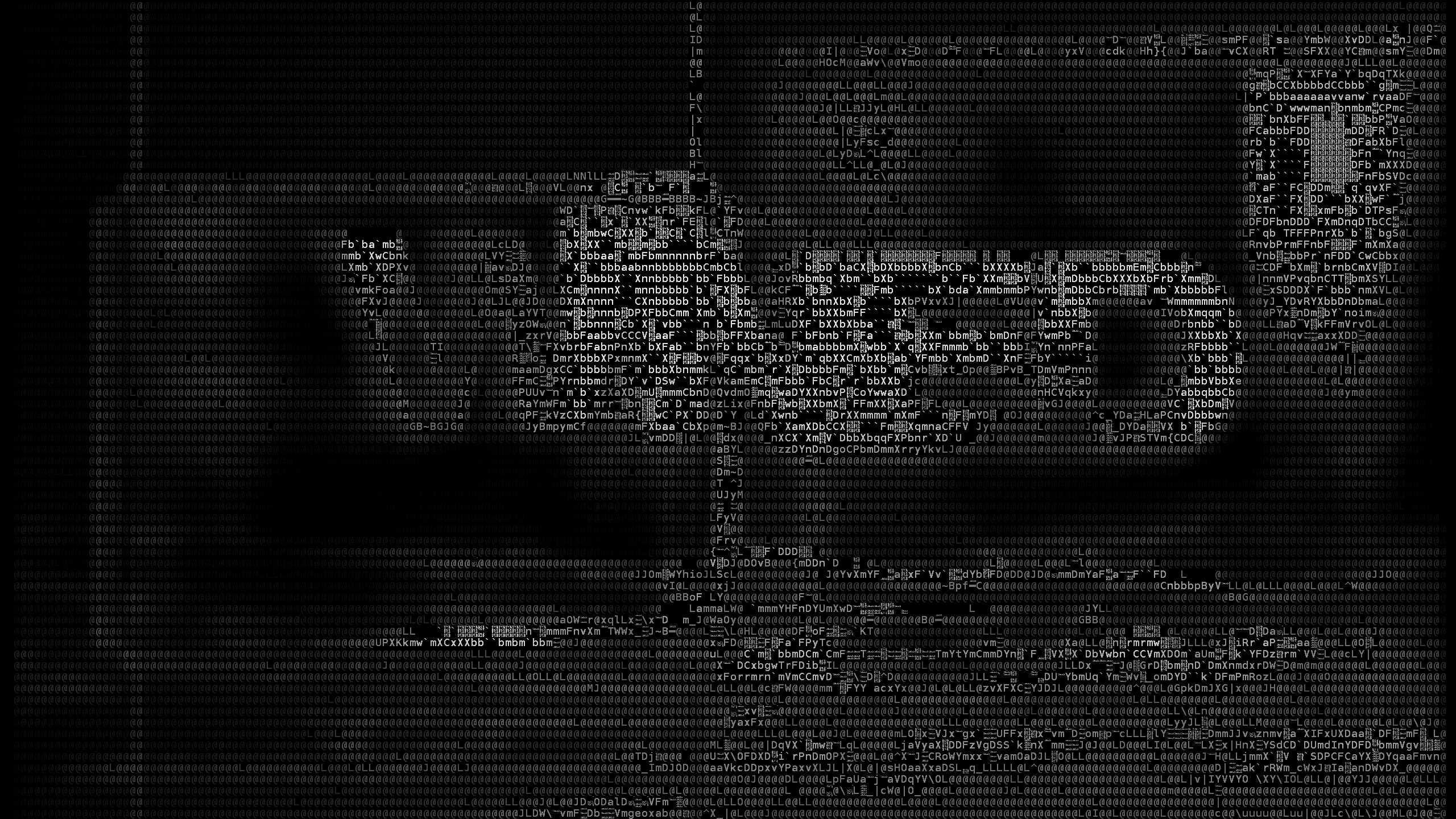
WNED production logo, now rendered into ASCII text
Step 3: Preview and Upload
When you are done rendering the output result, preview your edit and upload it to YouTube, Dailymotion, Vimeo, Odysee, Rumble, VidLii, or any other video hosting website you want to put there.